Logo Saul's Blog
  • Home
  • About
  • Education
  • Skills
  • Projects
  • More
    Recent Posts Awards Accomplishments
  • Posts
  • Dark Theme
    Light Theme Dark Theme System Theme
Logo Inverted Logo
  • Tags
  • Animation
  • Archived
  • Bullet-Journal
  • Cloning
  • Cognitive-Load-Theory
  • Debian
  • Demo
  • Description
  • Emacs
  • Emacs-Configuration
  • ESS
  • IDE
  • LaTeX
  • Mate-DE
  • Org-Mode
  • Org-Reveal
  • Overview
  • Pipeline
  • Protein-Expression
  • Python
  • R
  • Reveal-Js
  • Study-Techniques
  • Tailwind-CSS
  • Template
  • Tutorial
  • YASnippets
Hero Image
Write code with Emacs org-mode

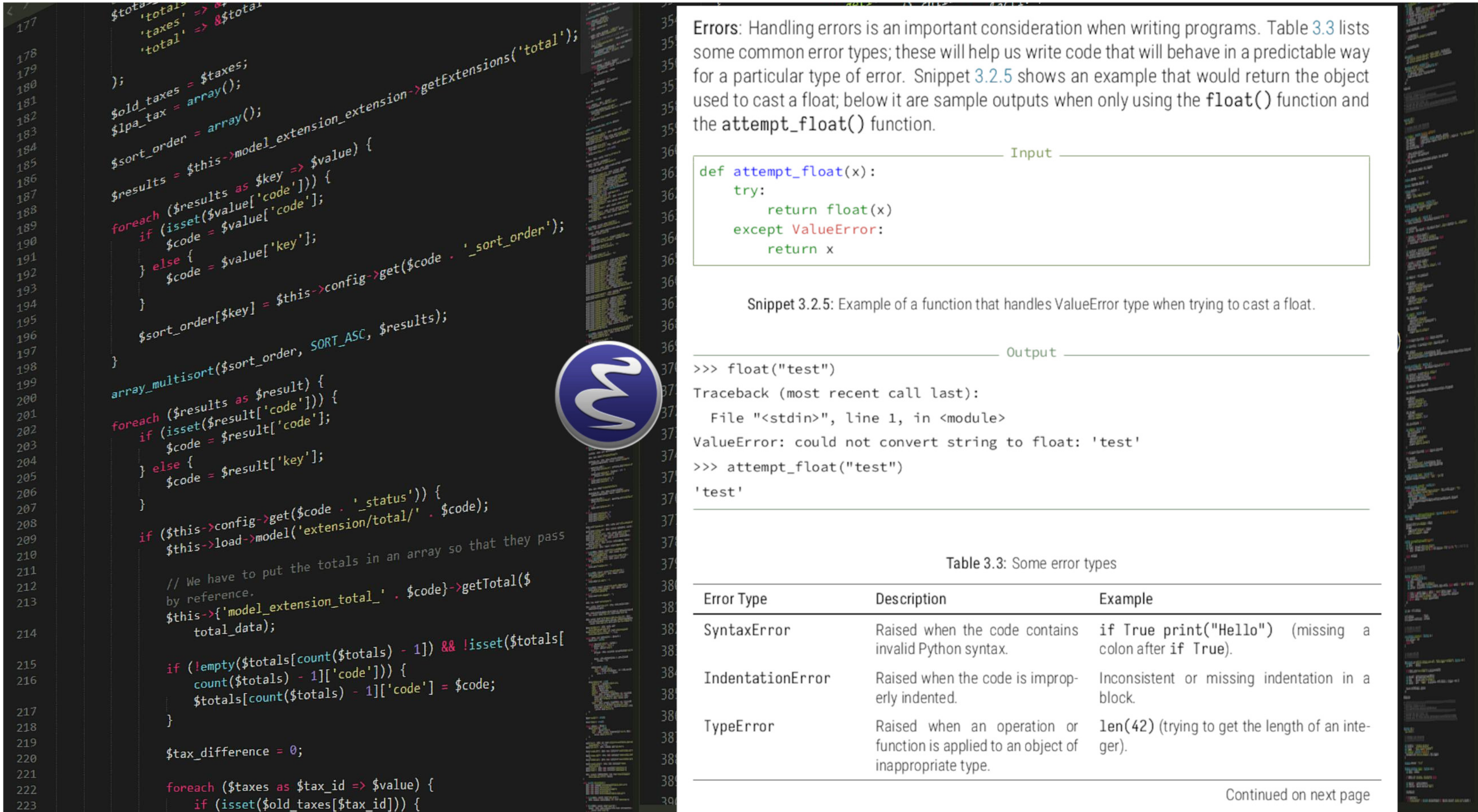
Introduction In this post, I aim to demonstrate the use of Emacs org-mode for taking notes that incorporate programming code. The goal was to not only display code with proper formatting and syntax highlighting but also to execute it and show the results of specific code blocks, allowing readers to reproduce the entire analysis if desired. The challenge was to sift through available examples and documentation to put together a summary that brings something new to what’s already been written about this topic. Initially, I intended to focus solely on customizing the PDF output, but as I explored the documentation, I discovered other aspects that I believe are worth sharing, most notably, customization of HTML output. As a result, however, the post ended up being quite long thus, here is a brief overview of each main section:
  • R
  • IDE
  • Python
Sunday, July 27, 2025 | 35 minutes Read
Hero Image
Work in R from Emacs

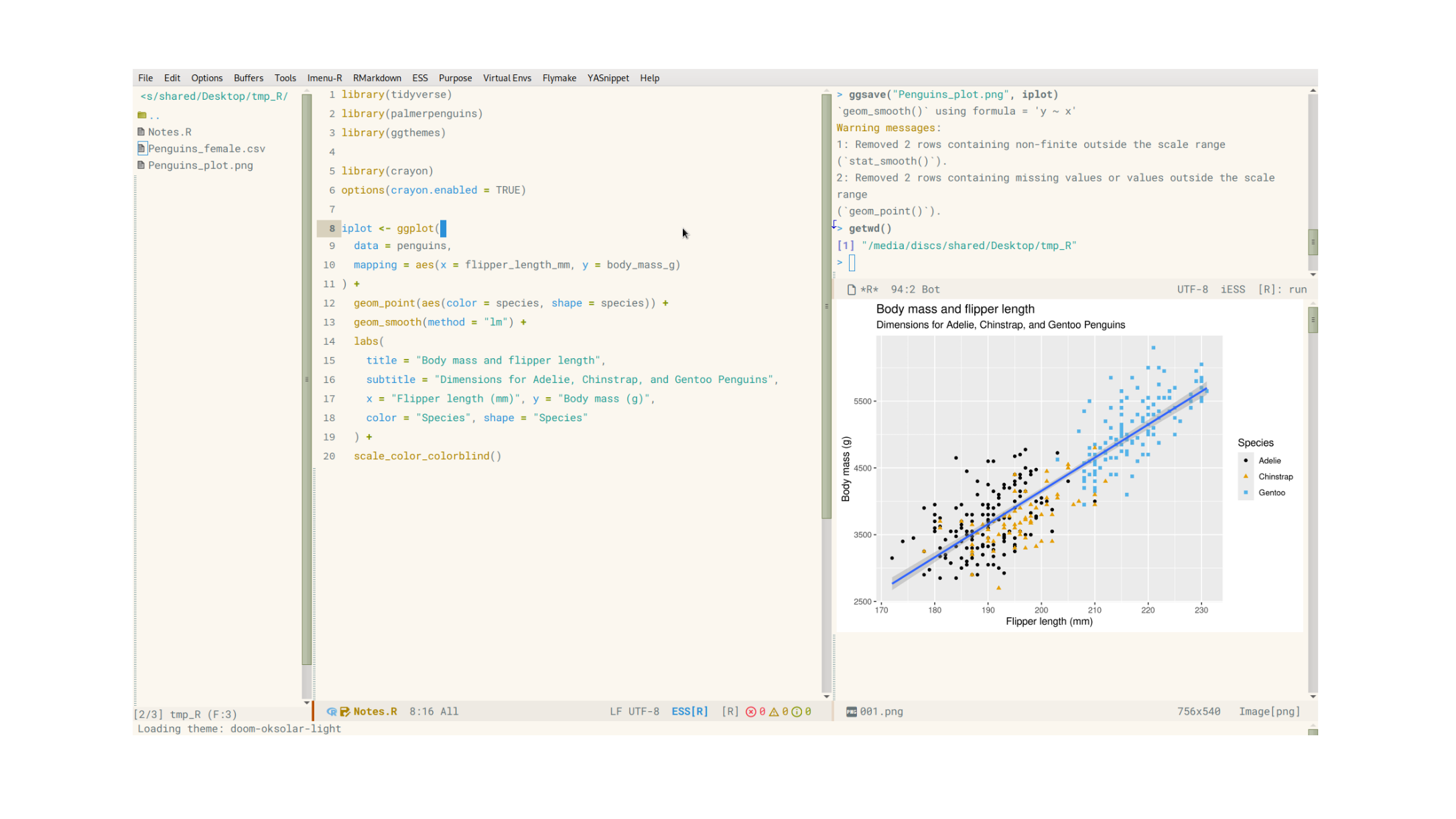
Introduction This post describes an Emacs configuration for working in R. It builds on related posts about configuring Emacs as an R-IDE (Integrated Development Environment), focusing on the advantages Emacs may offer while emulating some features of RStudio, the go-to editor for R. Setting up Emacs to work in R In a blog post from Scientific Shrimper , it is noted that Emacs lacks the ability to display plots within the editor. Similarly, displaying data frames in a more readable format than R’s default print() command has been challenging. Fortunately, in the past 2-5 years, two packages have emerged to address these issues: ess-plot for displaying plots in a dedicated window, and ess-view-data for facilitating data frame visualization and manipulation. These packages, along with others, now enable users to approximate most RStudio features while maintaining Emacs’ performance and flexibility. Figure 1 demonstrates sample screenshots.

  • R
  • IDE
  • ESS
Wednesday, February 5, 2025 | 39 minutes Read
Navigation
  • About
  • Education
  • Skills
  • Projects
  • Recent Posts
  • Awards
  • Accomplishments
Contact me:
  • ssl-work@proton.me
  • ssl-bio

Toha Theme Logo Toha
© 2025 Copyright.
Powered by Hugo Logo